Nutrition and kit
Nutrition and Kit are both Pro features. Nutrition tracking answers a simple question - what fuels your best sessions? - while Kit keeps event gear organised, packed and accounted for. The more honestly you log, the smarter your race-day suggestions become.
Log fuel on any session
Every activity and strength session has a “Nutrition & Hydration” section. Add items, set a “Quantity” (e.g. 2, 500ml), rate “How it felt” - Very bad, Not great, OK, Good or Great - and add notes. Strength sessions log pre-workout and post-workout fuel separately via check sheets. On iPhone, recording “Nothing used” still counts towards your nutrition streak.
My Nutrition: what works
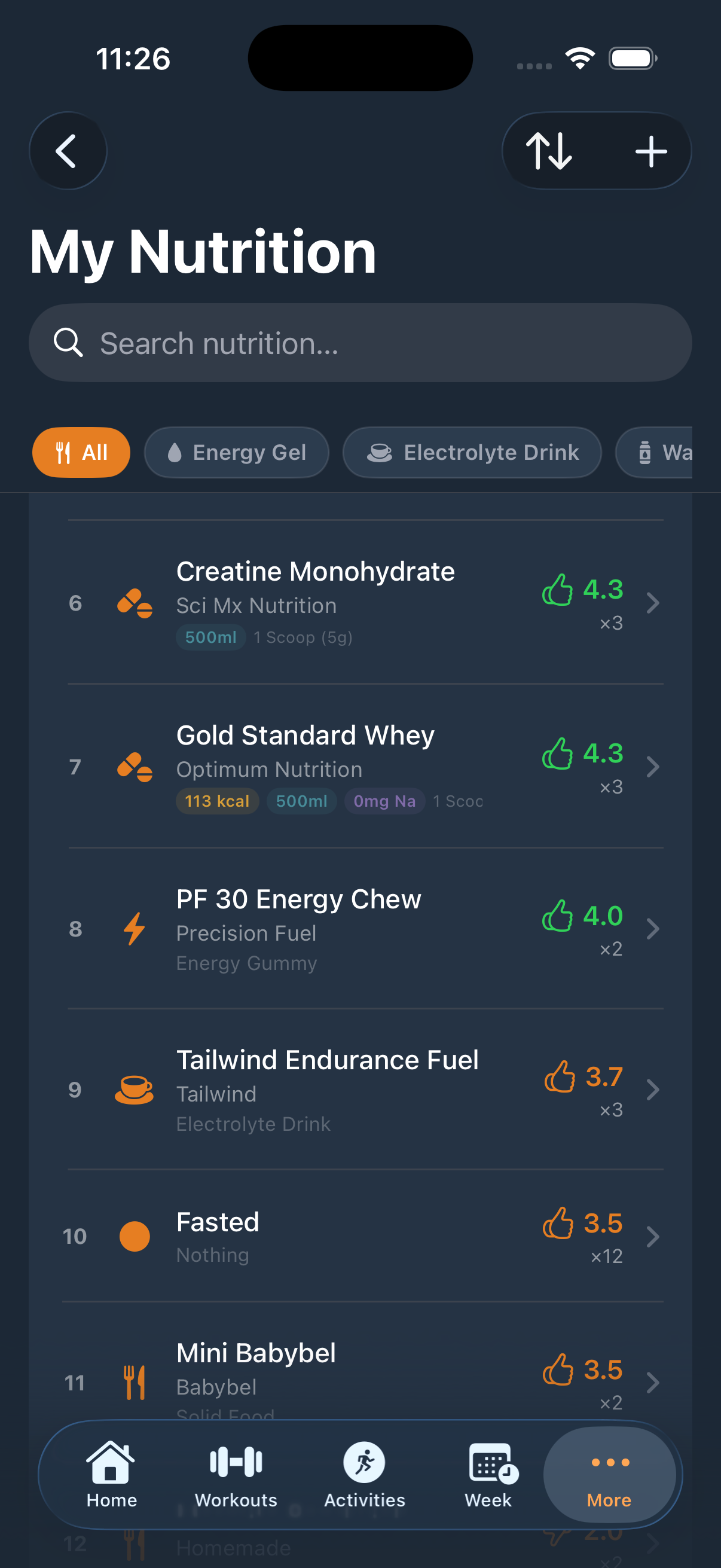
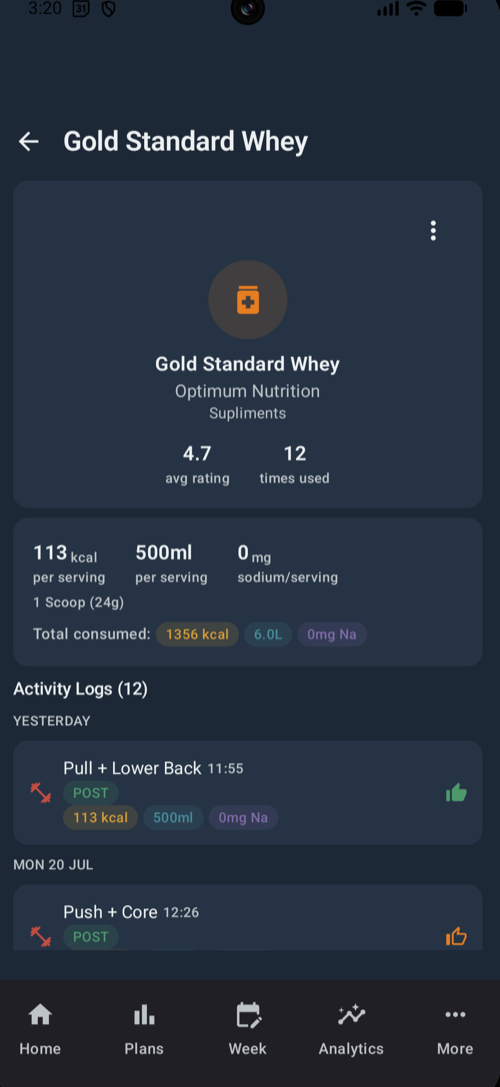
“My Nutrition” ranks your items - “In Use · ranked by rating” at the top, with “Not In Use” below - and sorts by Rating, Times Used, Name or Calories. Open any item to see its average rating, times used, pre and post counts and a usage timeline: the evidence for what actually agrees with you.
Create your own items
Tap “New Item” to add anything you use: name, brand, category - Energy Gel, Salt Tablet, Electrolyte Drink, Water, Solid Food, Other, or your own - an icon and optional nutritional facts including calories, sodium, fluid, protein, carbs and caffeine. Those facts feed the Race Fuel Plan, so they are well worth filling in.
Race Fuel Plan
The “Race Fuel Plan” lives alongside the rest of your race preparation.
Estimated finish time, conditions (Cool, Moderate or Hot), aid stations and, optionally, body weight. Profile → “Fueling Physiology” stores your personal Sweat Rate and Sodium Loss Rate.
Total and per-hour fluid, kcal and sodium targets, a per-aid-station breakdown and “Suggested Items” drawn from your top-rated foods.
Confidence improves with data - the plan moves from “Not enough data” towards “High confidence” as your nutrition history grows.
Kit lists
In endurance modes, “My Kit” holds Plan Kit Lists, My Lists and Templates, and “New Kit List” can start from a template. Inside a list you get packing progress (“X of Y packed”), All / To Buy / Packed filters, a Packed tick and an “Owned”/“To Buy” toggle per item, and Mandatory, Optional and custom categories. “Apply Template” adds a template’s items while skipping anything already in the list, and “Save as Template” turns a well-honed list into a reusable one. A plan’s Kit tab creates or links a list via “Create New List” or “Select Existing”.