Activities and health imports
In ulTrain, everything you do is an activity - runs, walks, hikes, cycles, swims, yoga, skiing and strength sessions. Log them by hand, or connect your health app and let your watch do the paperwork. Either way, they feed your plans, weekly progress and Analytics.
My Activities
The “My Activities” list (free) groups everything by day, with search, activity-type chips, a “Time Period” filter (All Time, This Week, This Month, This Year), “Sort By” options (Newest, Oldest, Longest Distance, Longest Duration) and an In Plan / No Plan filter. Every row offers Edit and Delete - deleted strength sessions go to the Recycle Bin, while endurance deletions are permanent, so delete with care.
Log an activity manually
Or “Log Run” from a plan week, the planner or Activities.
Pick a plan and week, or leave it unlinked - see Plans & week.
Activity type (including your custom types), date, effort type - easy, long, tempo, race, recovery, taper or your own - distance, “Elevation Gain”, duration with a live pace readout, notes, crew companions and nutrition (Pro).
A summary such as “Great Run!” highlights milestones like a first activity, a distance or pace PB, or a weekly target hit.
Connect your health app
Health import is free on both platforms and strictly read-only - ulTrain never writes anything back to your health data.
Import from Health
The “Import from Health” screen is the same on both platforms: filter chips for Runs, Walks, Hikes, Cycles, Swims, Yoga, Strength and Skiing, a day-grouped list showing matched plan and week badges or “Unlinked”, plus “Select All” with bulk “Import N Activities?” or “Ignore N Activities?” actions. Ignored items sit in Settings → “Ignored Activities”, where you can Restore them any time.
Prefer not to think about it? Switch on “Auto-import activities”, and optionally “Import unlinked activities” (“Import any activity type, even without a plan”). Both platforms can notify you when new activities arrive; iPhone also badges the app icon.
What comes across
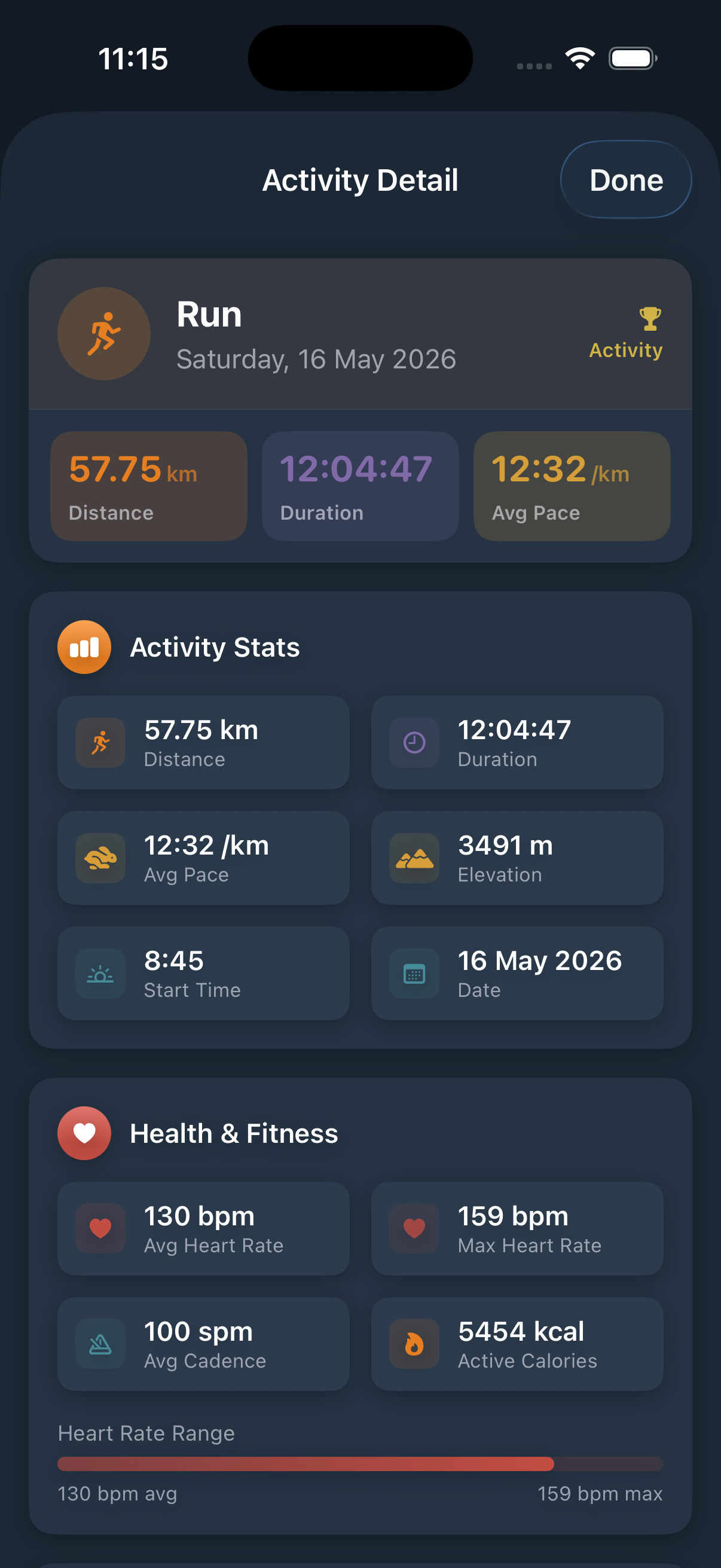
Imports bring distance, duration, elevation, heart rate, active calories, steps or cadence and the source app; VO2 max comes in on iPhone only. Duplicates are handled automatically - already-logged activities are not offered again, and a watch-recorded strength workout that overlaps an in-app session merges into it rather than duplicating.
My Crew
Add the people - or pets - you train with to “My Crew”, tag them on activities and watch per-companion stats and milestones build over time.